For more information, please refer to the resource center that applies to you below.
Access the NEW Bangor Online Here.
Personal Customer Resource Center
Click Here
Business Customer Resource Center
Click Here
Beginning Friday, October 23 at 8:00 PM through mid-day Saturday, October 24, we will be completing our annual systems upgrade. During this time, some features of Bangor Online, The Bangor Savings Bank app, and Phone Banking may be temporarily unavailable and account balances will not reflect new activity until the upgrade is complete. We appreciate your patience as we complete this routine annual update.
Contact Us


Discover all the options available at your fingertips, anytime, anywhere
| Card Management Features | Bangor Online & the Bangor Savings Bank App |
|---|---|
| Activate cards |

|
| Set your PIN |
|
| Establish customized real-time alerts for each time the card is used |
|
| View suspicious activity with real-time alerts |
|
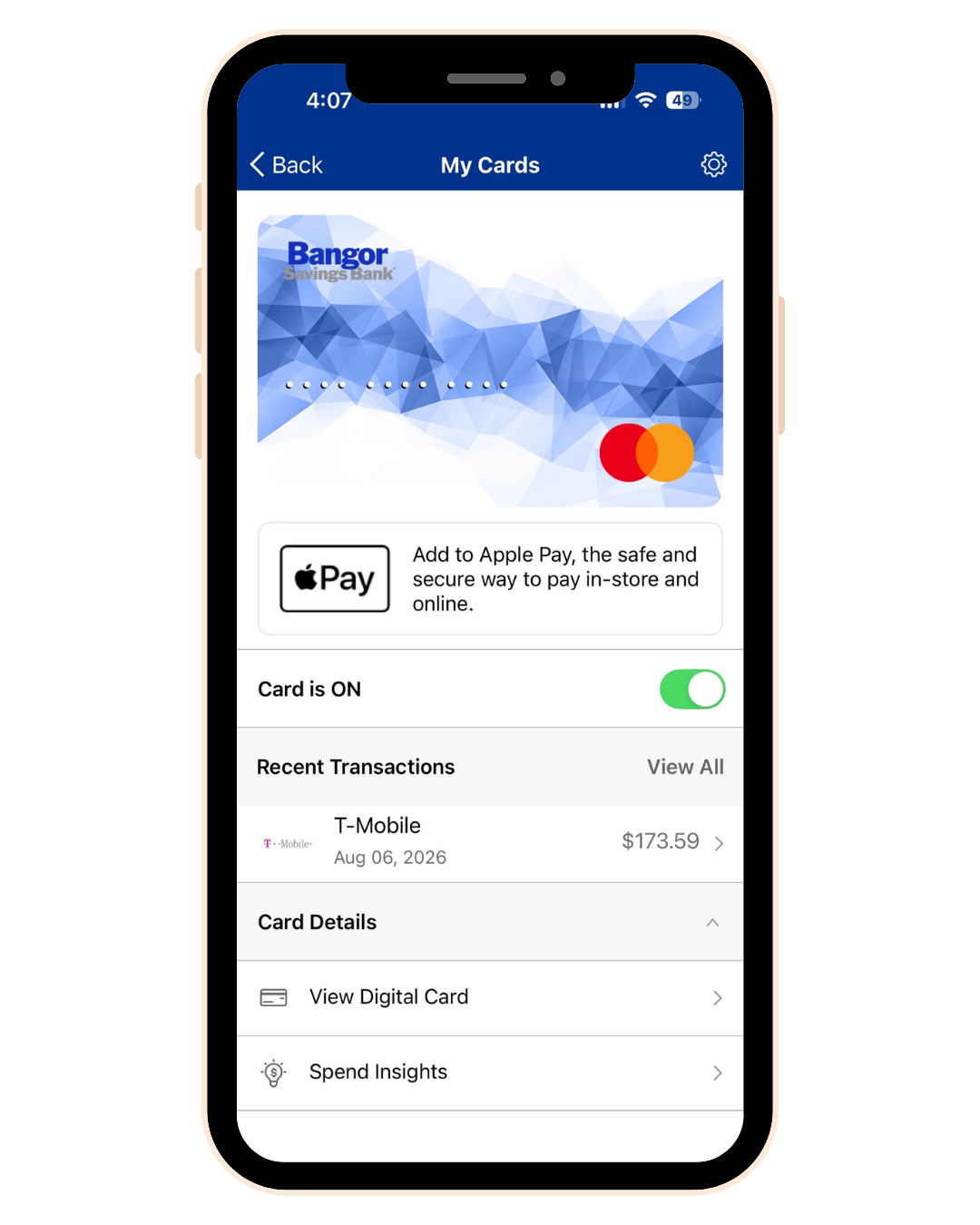
| Turn cards on and off. When the card is off, no purchases or withdrawals are approved except for previously scheduled recurring payments |
|
| Enable controls to restrict card usage based on location, spend limit, merchant type, and transaction type |
|
| Display digital card information (full card number and details) needed to perform transactions without using a physical card |
|
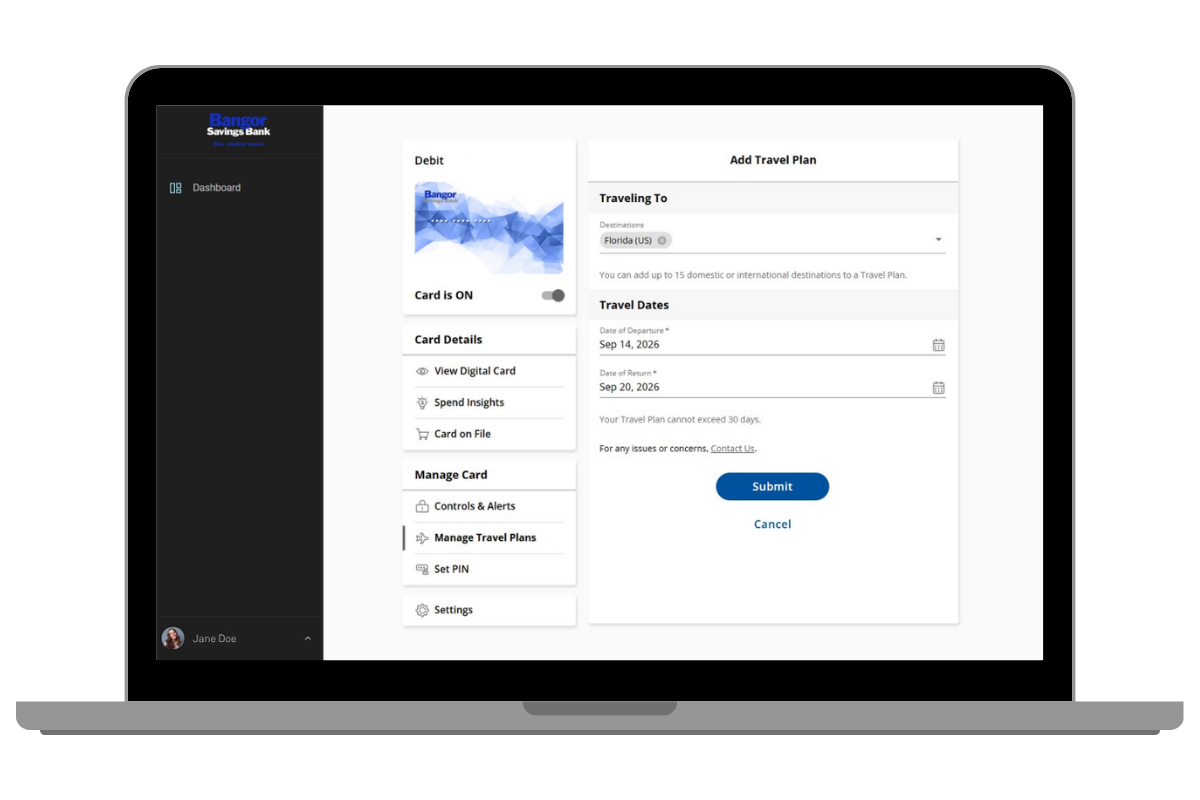
| Create travel plans to allow transactions in specific domestic and international destinations |
|
| View your reoccurring purchases and subscriptions for each card |
|
| Get spending insights to see what, when, and where transactions are occurring |
|
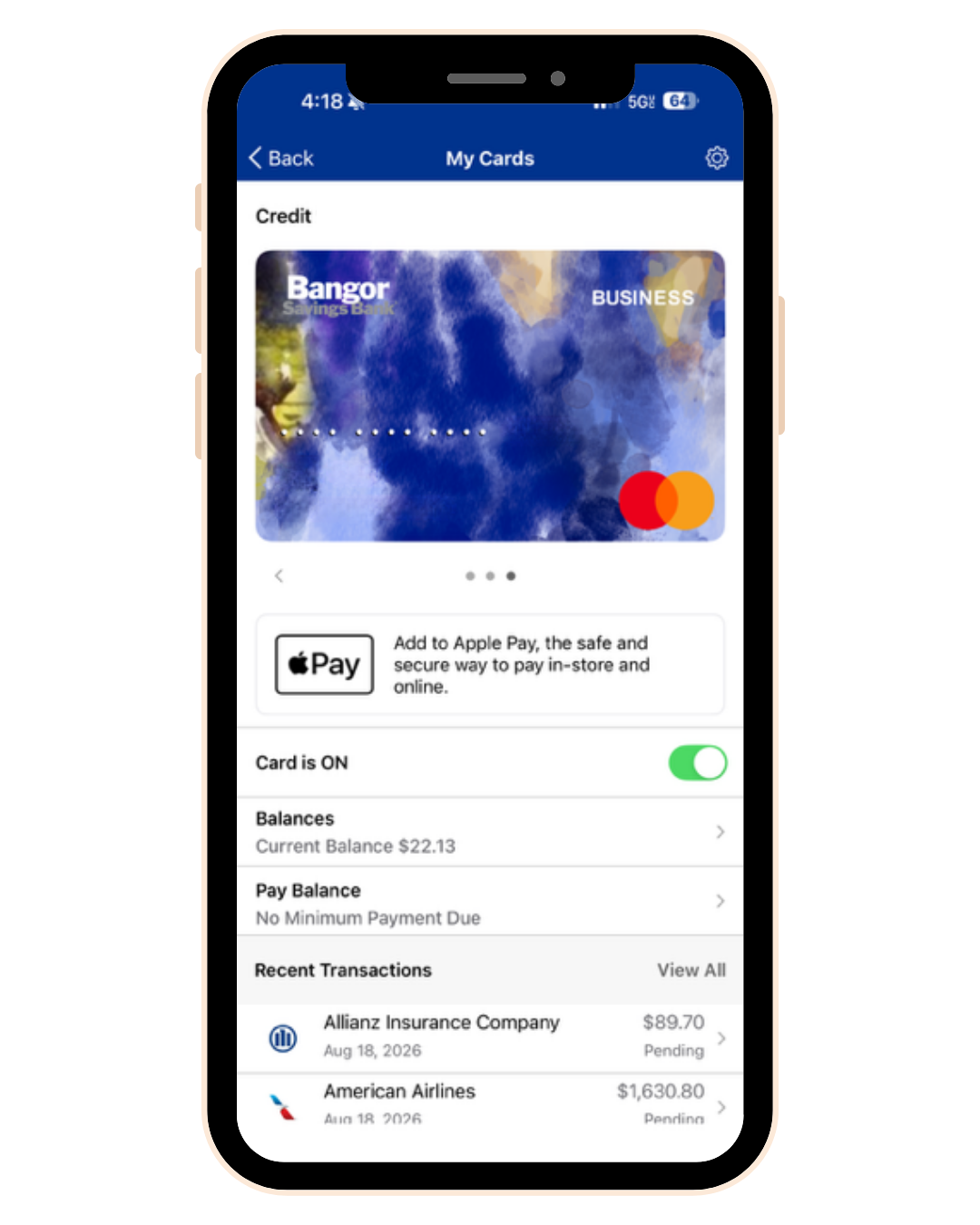
| Add an enrolled card to a digital wallet such as Apple Pay® or Google Pay™ |
|
| Report lost or stolen card* |
|
| View statements* |
|
| Redeem rewards for cash back, merchandise, gift cards, or travel* |
|
Bangor Online & the Bangor Savings Bank App
Activate cards
Set your PIN
Establish customized real-time alerts for each time the card is used
View suspicious activity with real-time alerts
Turn cards on and off. When the card is off, no purchases or withdrawals are approved except for previously scheduled recurring payments
Enable controls to restrict card usage based on location, spend limit, merchant type, and transaction type
Display digital card information (full card number and details) needed to perform transactions without using a physical card
Create travel plans to allow transactions in specific domestic and international destinations
View your reoccurring purchases and subscriptions for each card
Get spending insights to see what, when, and where transactions are occurring
Add an enrolled card to a digital wallet such as Apple Pay® or Google Pay™
Report lost or stolen card*
View statements*
Redeem rewards for cash back, merchandise, gift cards, or travel*
*Bangor Savings Bank everblue® Credit Card feature only
Log in to Bangor Online
Already a Bangor Savings Bank customer enrolled in Bangor Online? Simply log in to your online banking or the Bangor Savings Bank app for access to your accounts, make transfers, pay bills, send money to individuals or businesses, manage your cards, and more.
Enroll in Bangor Online
Gain online and mobile banking access to your accounts by signing up today.
Bank on the Go!
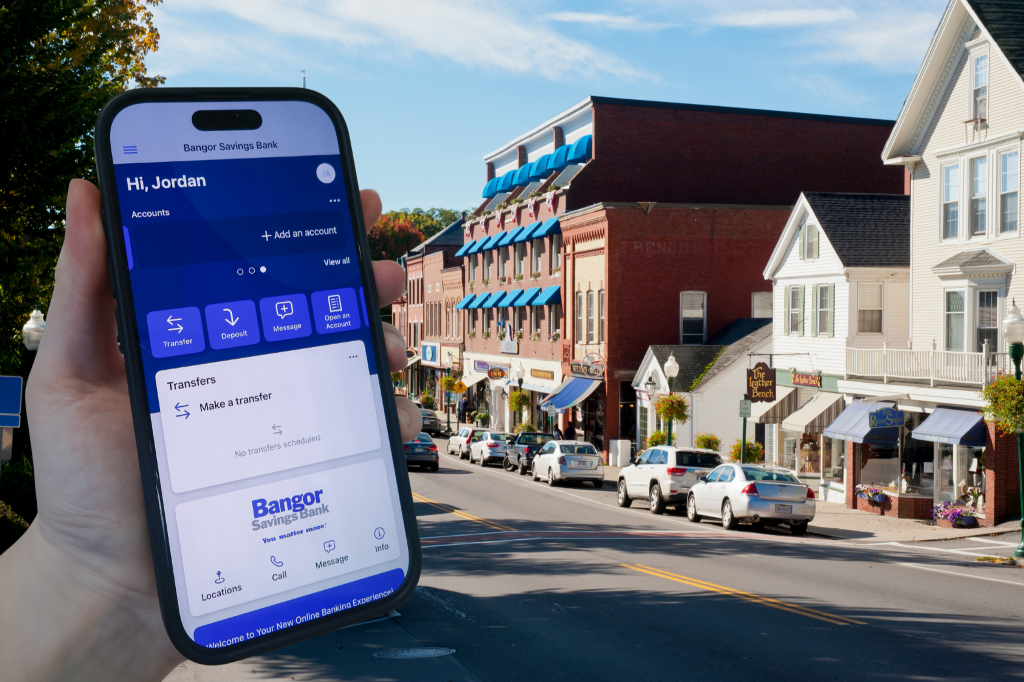
The Bangor Savings Bank app lets you take charge of your money wherever you are. Simply sign in with your Bangor Online credentials to securely manage your Bangor Savings Bank accounts from your mobile device.
✓ Deposit checks
✓ Check your account balances and transaction history
✓ Transfer funds between your accounts
✓ Pay personal and business contacts with Send Money
✓ Make payments with Bill Pay


All trademarks are the property of their respective owner(s).