






eStatements

View, download, and manage your account statements, notices, and tax documents securely through Bangor Online or the Bangor Savings Bank app and stay organized while reducing paper clutter.

Benefits of eStatements

shield icon

Secure access to statements, notices, and tax documents through Bangor Online

mail icon

Email notifications to let you know when new statements are available

calendar icon

Up to 18 months of statement history available for each account

download document icon

Download and save PDF copies for your records

recycle icon

Reduce paper mail and eliminate the need to file or shred paper documents, helping keep your information secure

If you have a Bangor Savings Bank checking or savings account:

Step 1 – Log in to Bangor Online or the Bangor Savings Bank app. If you don't have a free Bangor Online account, register here.

Step 2 – Navigate to Accounts from the menu and select any account or select any account from your dashboard.

Step 3 – Choose the Document option.

Step 4 – Select the account(s) you would like to enroll in eStatements.

Step 5 – Click or tap Enroll.

Your future statements will be delivered electronically and can be accessed securely through Bangor Online or the Bangor Savings Bank app.
If you have a mortgage or personal loan product only and are not yet enrolled in Bangor Online:

Step 1 – Register for your free Bangor Online account.

Step 2 – Log in to Bangor Online or the Bangor Savings Bank app.

Step 3 – Navigate to Accounts from the menu and select any account or select any account from your dashboard.

Step 4 – Choose the Document option.

Step 5 – Select the account(s) you would like to enroll in eStatements.

Step 6 – Click or tap Enroll.

Your future statements will be delivered electronically and can be accessed securely through Bangor Online or the Bangor Savings Bank app.

Frequently Asked Questions

  • Yes, you will receive an email notification when a new statement becomes available.
  • After logging in to Bangor Online or the Bangor Savings Bank app, navigate to Accounts, select the account you’d like to view statements from, and select the Documents section. eStatements can be viewed any time in Bangor Online or the Bangor Savings Bank app after you enroll and begin receiving statements.
  • eStatements are free and included with Bangor Online and the Bangor Savings Bank app.
  • You can build up to 18 months of statement history for each enrolled account. Statements can also be downloaded and saved for your records.

Log in to Bangor Online

Already a Bangor Savings Bank customer enrolled in Bangor Online? Simply log in to your online banking or the Bangor Savings Bank app for access to your accounts, make transfers, pay bills, send money to individuals or businesses, manage your cards, and more.
Bangor Online Login

Enroll in Bangor Online

Gain online and mobile banking access to your accounts by signing up today.
Register in Bangor Online
Bangor Savings Bank app

Bank on the Go!

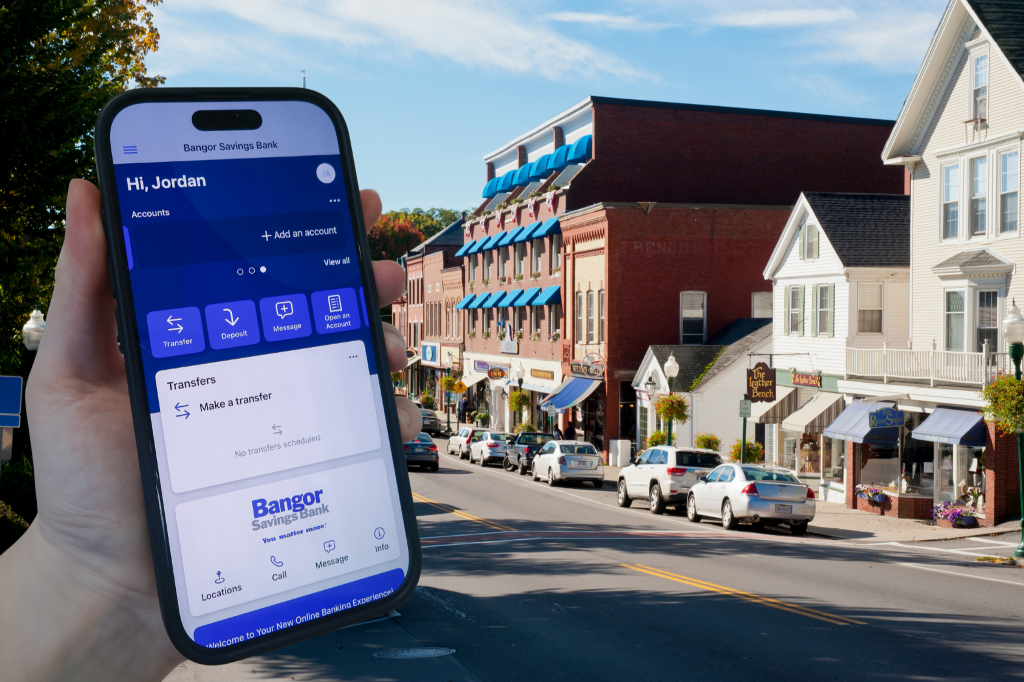
The Bangor Savings Bank app lets you take charge of your money wherever you are. Simply sign in with your Bangor Online credentials to securely manage your Bangor Savings Bank accounts from your mobile device.

  Deposit checks

  Check your account balances and transaction history

  Transfer funds between your accounts

  Pay personal and business contacts with Send Money

  Make payments with Bill Pay