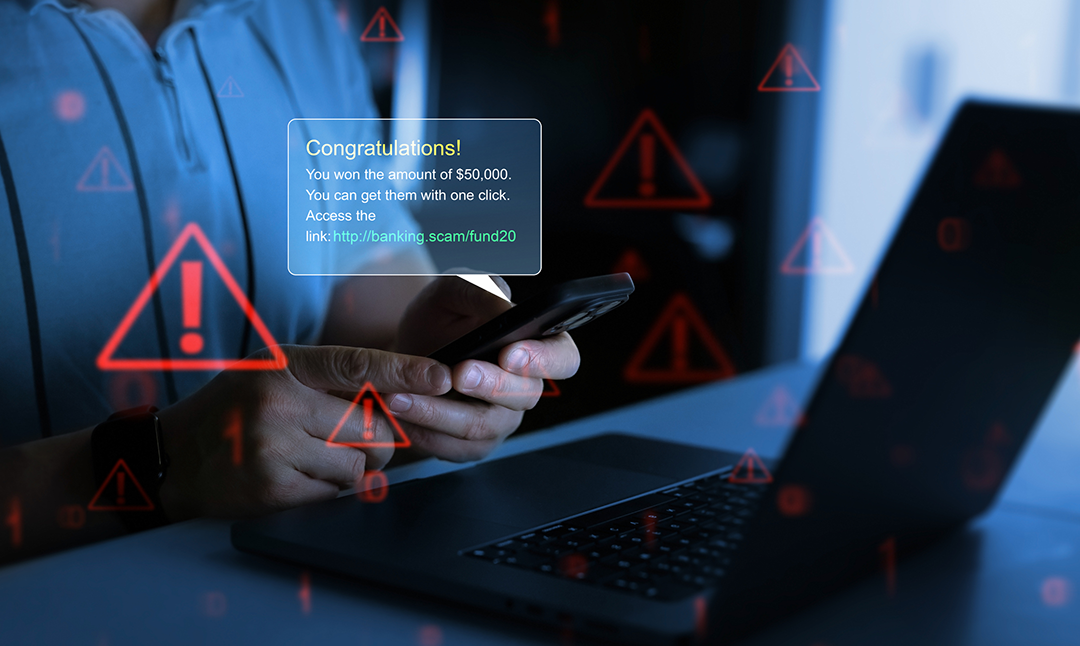


Fraudsters use increasingly sophisticated tactics to exploit busy teams, trusted vendor relationships, and financial workflows. Understanding these scams is one of the best ways to prevent them. Here are the most frequent schemes affecting businesses today.
Business Email Compromise (BEC)
Criminals impersonate company executives, employees, or vendors to trick staff into sending payments or sensitive information.
Red Flags:
- Requests to update account details via email
- Unusual urgency or secrecy
- Messages that appear slightly “off” in tone or grammar
Corporate Account Takeover Attempts
Once criminals acquire credentials through phishing or malware, they attempt to log in to online banking or business systems.
Warning signs:
- Login attempts from unusual locations
- Locked accounts
- Profile changes you didn’t initiate
Phishing, Smishing & Vishing
Attackers use email (phishing), text (smishing), or phone calls (vishing) to acquire credentials or financial access.
Tactics may include:
- “Urgent” login requests
- Fake security alerts
- Spoofed bank representatives
- Links leading to fake login pages
Check Fraud
Checks can be stolen, altered, washed, or counterfeited.
Watch out for:
- Missing checks
- Vendors reporting unpaid invoices
- Check amounts or payees that don’t match your records
Vendor or Invoice Fraud
Scammers pose as legitimate vendors and send fake invoices or request changes to payment information. Even long‑standing vendor relationships can be targeted by fraudsters.
How it works:
- Fraudsters intercept or spoof vendor communications
- They provide new routing or account numbers
- Payments end up in criminal accounts
Payroll & HR Impersonation Scams
Fraudsters pretend to be employees requesting updates to direct deposit information.
Typical pattern:
- Email appears to come from an employee
- Fraudster asks payroll to update their bank account
- Paychecks get redirected to the criminal’s account
Tech Support & Remote Access Scams
Scammers impersonate trusted software providers to trick employees into granting remote access. Once inside, criminals may capture credentials or plant malware.
Look for:
- Unexpected computer or mobile device pop‑ups
- Calls claiming your system is compromised
- Requests to download remote‑access tools
ACH & Wire Transfer Fraud
Fraudsters target high‑speed, high‑value payment methods. Because these transactions move quickly, early detection is critical.
Common scenarios:
- Fake wire requests from “executives”
- Fraudulent ACH pulls
- Manipulated invoices